
A REAL LOOK INSIDE KNOQ
Two sides.
One KNOQ.
A job that needs doing.
A local professional with the skills.
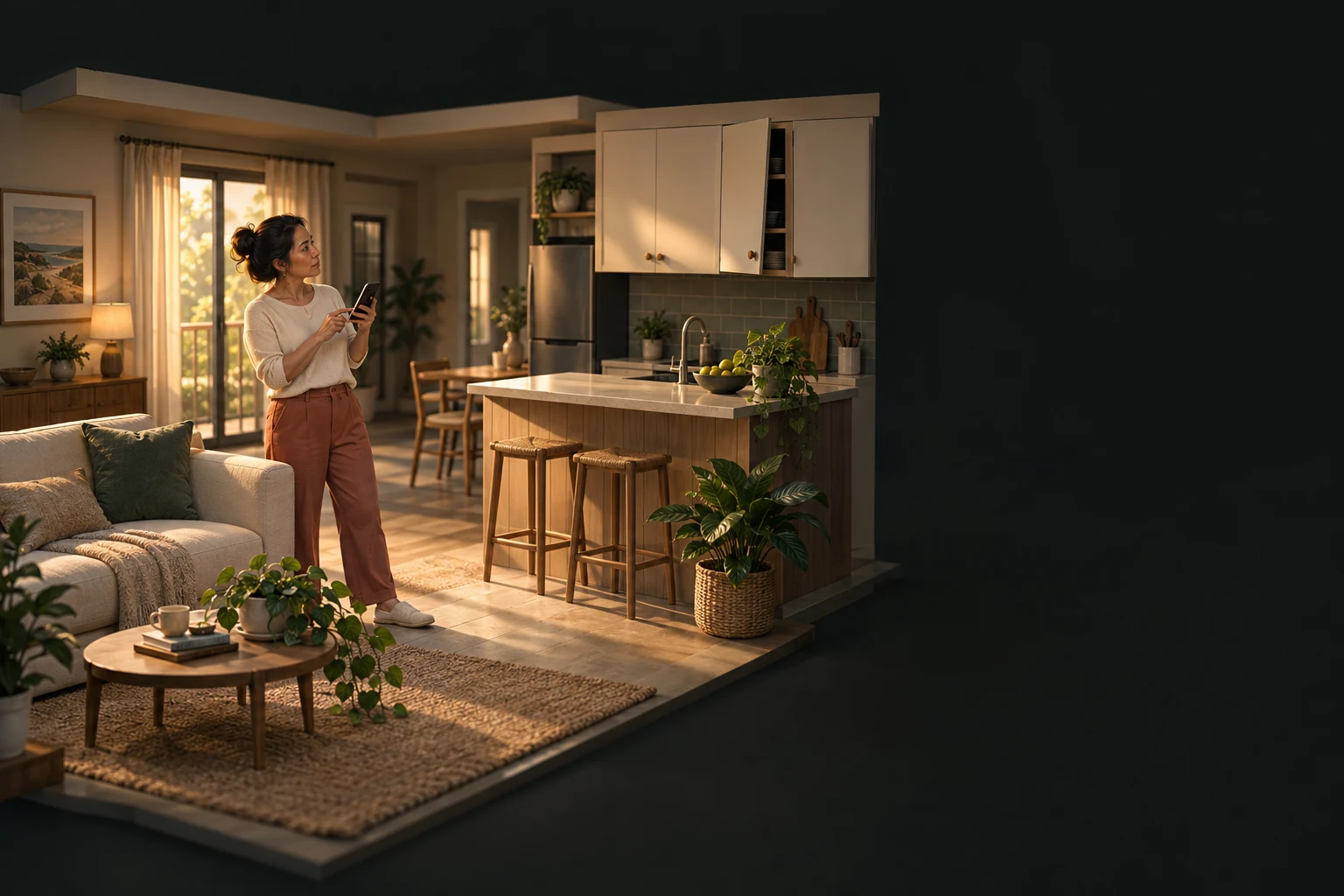 THE HOUSEHOLD“Time to get this sorted.”
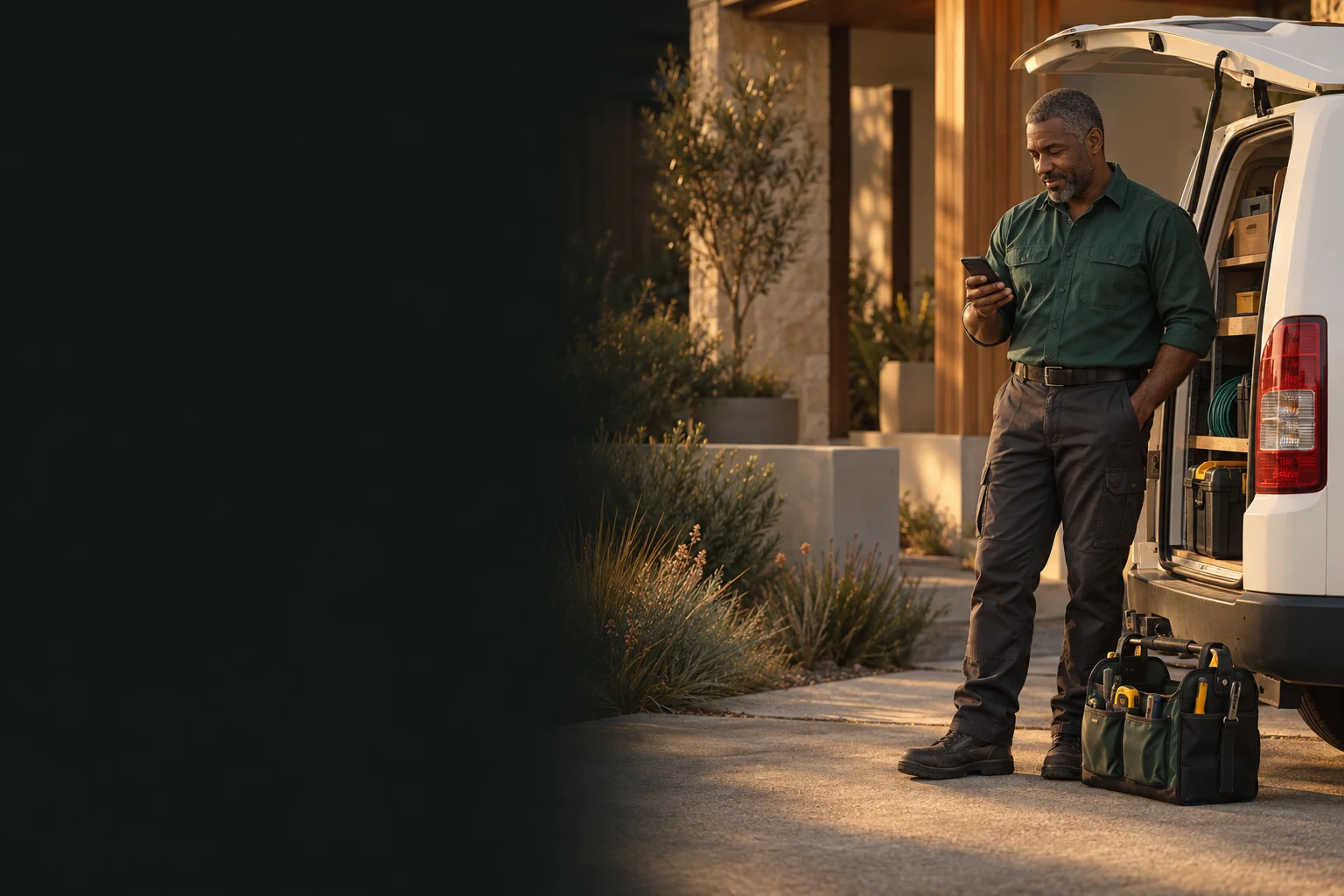 THE PROFESSIONAL“Let’s see what’s needed.”
FROM “CAN SOMEONE HELP?” TO “ALL SORTED.”
Follow a Handyman request.
See what each person sees.
A GOOD PLACE TO START
Hello, possibility.
Sign in. Find your service. Make a start.
YOUR JOB. YOUR CHOICE.
A few details. A clear request.
Describe what needs doing and when you need help.
Sending a request is free. It does not book anyone.
THE CONNECTION
Good work starts with agreement.
The request reaches a suitable professional. They set the work, price and timing. The household reviews and agrees.
Nothing is booked until the household accepts the proposal and KNOQ confirms it. The exact address stays private until then; availability depends on a suitable local professional.
ON THE WAY
Less wondering. More knowing.
Follow the journey as the professional travels to you.
Precise journey sharing is only for the trip. It stops at arrival.
THE DOORSTEP MOMENT
Right person. Right KNOQ.
The professional shows the arrival PIN. The household enters it.
Confirm the handoff before the professional starts the agreed work.
THE WORK GETS UNDERWAY
Time to get it done.
A JOB WELL DONE
Check it. Close it. Share your experience.
The professional requests a completion check. The household checks the agreed work.
Something not right? Keep the job open and get help. During the initial trial, payment is directly to the professional.
THE FINISHING TOUCH
All sorted. Trust goes both ways.
Only completed KNOQ jobs can be reviewed. Both sides can choose a rating from 1 to 5 stars.
YOUR PHONE. YOUR CHOICE.
Different phones.
Same connection.
Coming to Android and iPhone.
Designed to connect across both.
Android to iPhone. iPhone to Android.
GOOD WORK STARTS WITH A KNOQ.
A little closer
to getting it done.
Preparing for a local trial in Hillarys and surrounding suburbs.
Account signup is open. Public app downloads are awaiting App Store and Google Play approval.