KNOQ SERVICE GUIDE
Explain the hot-water issue safely.
The system type and symptoms help an authorised professional assess the visit. You decide whether to accept the proposed work, price and time.
Start a Gas & Hot Water requestStart with your suburb. No request is sent just by choosing a service.
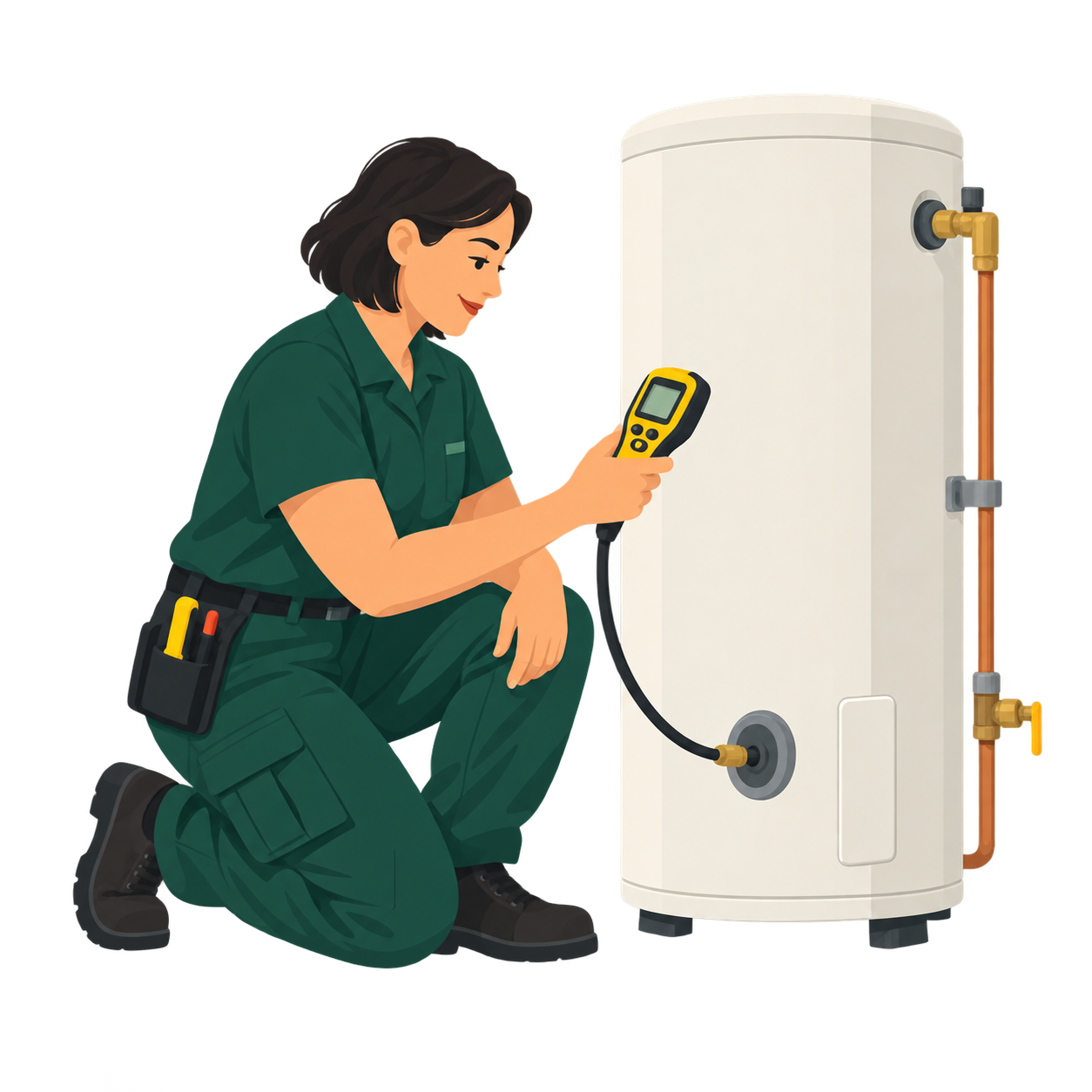
BEFORE YOU START
What to tell the service provider
You do not need a perfect brief. These details help a suitable professional understand the job and propose a clear arrangement:
- Identify gas or hot-water equipment and model if known.
- Describe loss of hot water, unusual behaviour or fault codes.
- Say when the issue started and whether the unit is accessible.
- Ask for assessment and proposed work before agreeing to repair.
Example description
“Gas storage hot-water unit is producing only lukewarm water. The issue began this morning. Unit is outside with side-gate access.”
THE NEXT STEP
How KNOQ works
- Choose Gas & Hot Water and enter your suburb. Review your choices, then sign in or create an account to describe the job. You can request through the website or app.
- Discuss the proposed work. A professional may respond with the scope, price and timing. Ask questions and accept only if it suits you.
- Keep track in KNOQ. Once booked, messages and job progress stay together. Pay the independent professional directly for the agreed work.
Sending a request is free. Local response depends on the service, area and professionals available; a request is not a guaranteed booking.
Ready to describe the job?
Choose Gas & Hot Water and your suburb. You can review everything before sending a request.
Start a Gas & Hot Water request